
Introduction
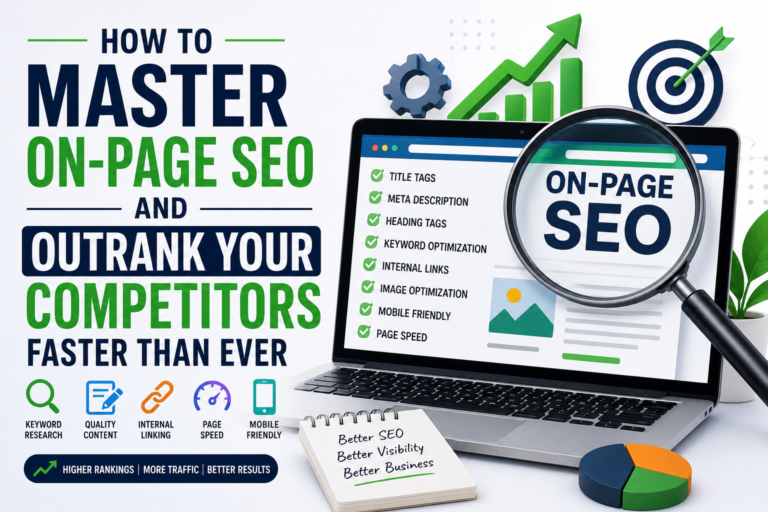
On-page SEO refers to the process of optimizing individual web pages to improve their visibility in search engine results and attract more relevant traffic. Unlike off-page SEO, which focuses on backlinks and external signals, on-page SEO gives you complete control over your website’s optimization.
In this guide, you’ll learn the essential elements of on-page SEO and how beginners can use them to rank higher on Google.
Chapter 1: Understanding On-Page SEO Basics
Before implementing any strategy, it’s important to understand what on-page SEO actually means. It includes optimizing content, HTML elements, images, URLs, and user experience.
You’ll Learn:
- The difference between on-page SEO and off-page SEO.
- How search engines crawl and understand your pages.
- Why search intent is crucial for ranking success.
Chapter 2: Keyword Research for Beginners
Keyword research forms the foundation of every successful on-page SEO strategy. Choosing the right keywords helps you create content that users are actively searching for.
You’ll Learn:
- How to identify primary and secondary keywords.
- Free tools beginners can use for research.
- Where to place keywords naturally within content.
Chapter 3: Optimizing Title Tags and Meta Descriptions
Your title tag is often the first thing users see in search results. A compelling title can significantly improve click-through rates.
You’ll Learn:
- How to write SEO-friendly titles.
- Best practices for meta descriptions.
- Common mistakes that reduce visibility.
Chapter 4: Creating SEO-Friendly Content
Content is the heart of on-page SEO. High-quality content that answers user questions tends to perform better.
You’ll Learn:
- How to write content for people and search engines.
- The importance of heading structure.
- Ways to improve readability and engagement.
Chapter 5: Internal Linking Strategies
Internal links help users navigate your website and help search engines discover important pages.
You’ll Learn:
- Why internal linking matters.
- How anchor text affects on-page SEO.
- Effective linking strategies.
Chapter 6: Image Optimization
Images improve user experience but can hurt performance if not optimized properly.
You’ll Learn:
- Writing descriptive alt text.
- Compressing images for speed.
- Naming image files strategically.
Chapter 7: Improving User Experience
Google values websites that provide a positive user experience.
You’ll Learn:
- Mobile optimization techniques.
- Improving page readability.
- Reducing bounce rates.
Chapter 8: Technical On-Page Elements
Technical elements support your overall on-page SEO efforts.
You’ll Learn:
- Creating SEO-friendly URLs.
- Introduction to schema markup.
- Understanding Core Web Vitals.
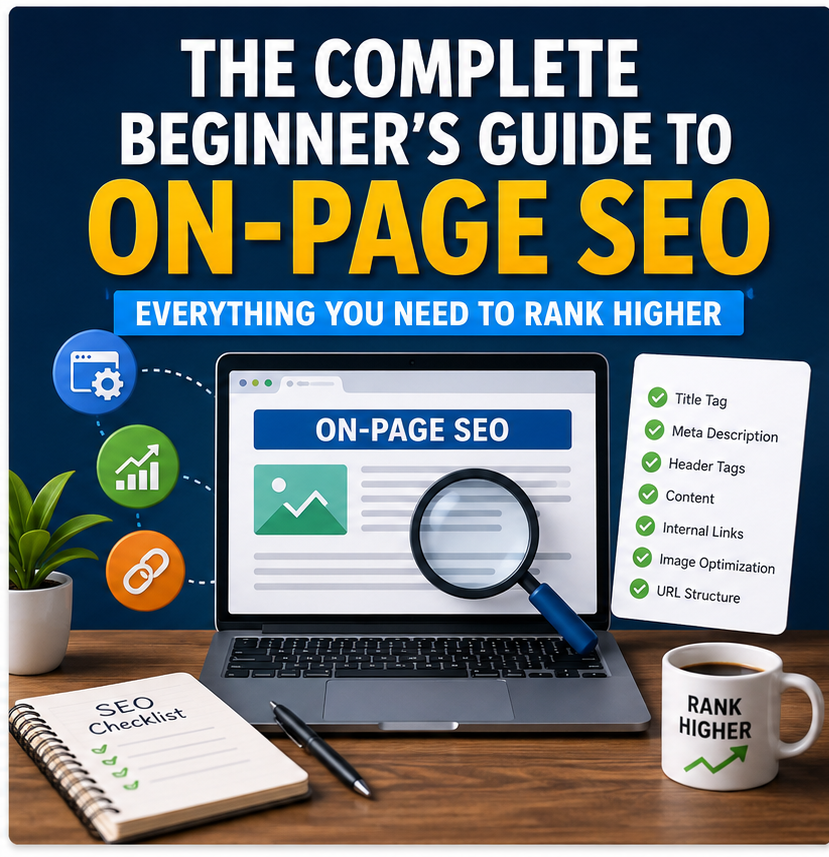
On-Page SEO Checklist
A practical checklist to review before publishing any page.
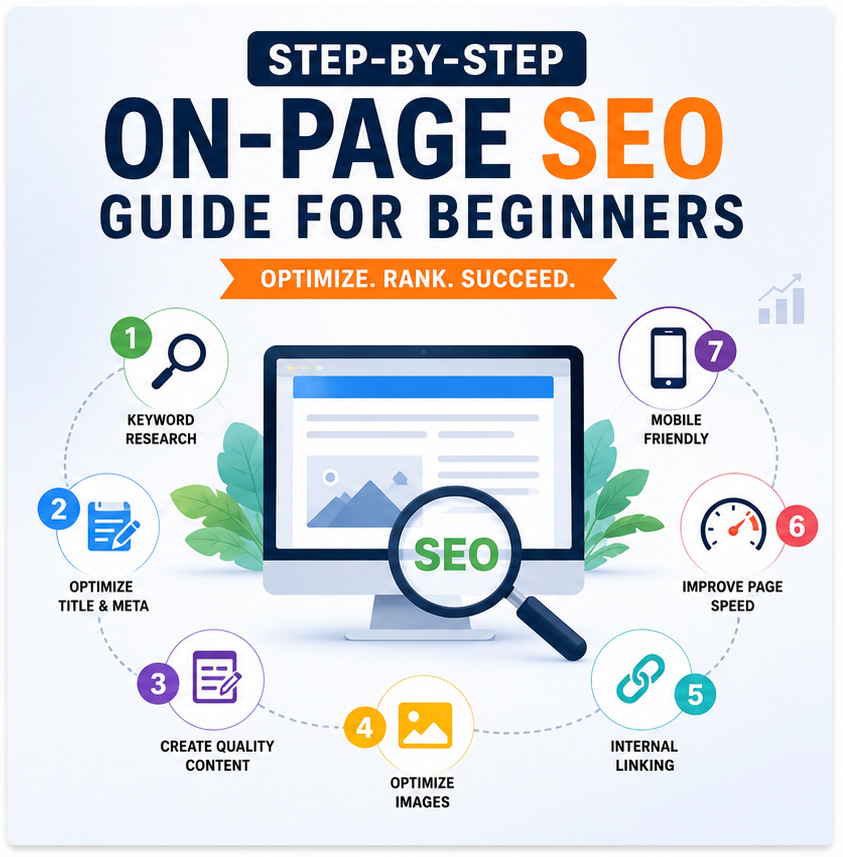
Step-by-Step On-Page SEO Action Guide
Introduction
If you’re new to on-page SEO, following a step-by-step process makes optimization much easier. This guide walks you through every stage of optimizing a page.
Step 1: Choose the Right Keyword
Every on-page SEO campaign starts with identifying what your audience is searching for.
Focus Areas:
- Analyze search intent.
- Evaluate keyword difficulty.
- Select a primary keyword.
Step 2: Craft an SEO-Friendly Title
Titles influence both rankings and clicks.
Focus Areas:
- Include the target keyword naturally.
- Keep titles engaging.
- Avoid clickbait.
Step 3: Write an Engaging Introduction
The introduction should capture attention while signaling relevance to search engines.
Focus Areas:
- Address reader pain points.
- Introduce the keyword early.
- Encourage readers to continue.
Step 4: Structure Your Content
Well-structured articles improve readability.
Focus Areas:
- Use H1, H2, and H3 headings.
- Break up large paragraphs.
- Include bullet points.
Step 5: Optimize Images
Image optimization is an often-overlooked aspect of on-page SEO.
Focus Areas:
- Compress files.
- Add alt text.
- Use relevant images.
Step 6: Add Internal and External Links
Links build context and authority.
Focus Areas:
- Connect related pages.
- Cite authoritative sources.
- Use descriptive anchor text.
Step 7: Improve Page Speed
Fast-loading pages create a better user experience.
Focus Areas:
- Minimize unnecessary scripts.
- Optimize media files.
- Test performance regularly.
Step 8: Review Before Publishing
A final review ensures your on-page SEO efforts are complete.
Focus Areas:
- Check keyword placement.
- Fix formatting issues.
- Proofread content.
Conclusion
Consistently following these steps can help beginners build a strong foundation in on-page SEO and achieve sustainable growth.